Ray Tracing
These images were produced by a program that I wrote for the ray tracing class that I took this summer. The scene is a modified version of the sample scene file used by the class.
Copyright 2006 (C) DigiPen (USA) Corporation
Simon GaytonProgrammer |
|||
| Home | Resume | Group Projects | Individual Projects |
Ray TracingThese images were produced by a program that I wrote for the ray tracing class that I took this summer. The scene is a modified version of the sample scene file used by the class. Copyright 2006 (C) DigiPen (USA) Corporation |
|
|
|
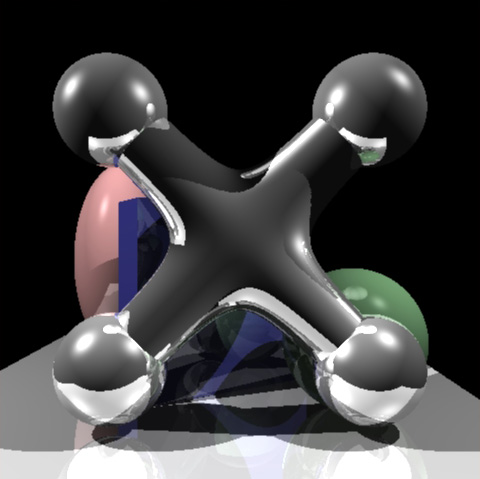
The Blend Surface was the object that I chose for my final project. It is a single fourth degree surface that is the smooth blend of two infinite cylinders. To ray trace this object requires the program to find the roots of a quartic polynomial, which I coded from the information given in the class. Find the polynomial on the other hand was another story all together. |
|
|
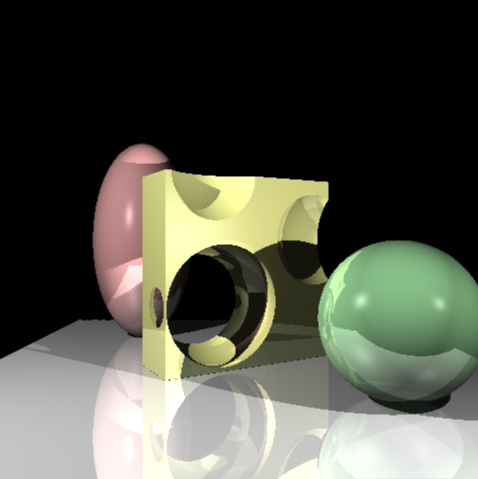
Constructive Solid Geometry (CSG) was chosen as an additional type of object that I wanted to implement. The idea is that a new object is created as the union, intersection or difference of two objects. The two objects can even be CSG objects themselves, with their own operation. I found that the implementation of this type of object was not as difficult as it seemed at first. We had already learned about the usefulness of intervals and their intersections to create objects such as boxes. CSG is just an extension of those ideas. |
|
|
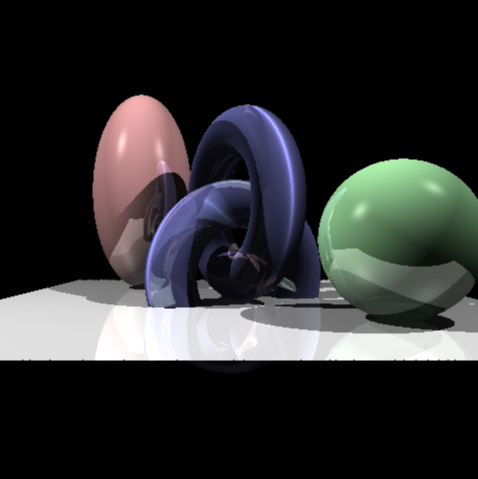
The Torus reused almost all of the work that I had done on the blend surface. The only difference was that I was able to get the polynomial for it from the textbook. I still had to find the gradient of the surface on my own to get the surface normal; that was the easy part. |
SpringsThis project was done for one of my physics classes. The purpose was to create a physical simulation based on some of the topics covered in the class. The class covered Newtonian mechanics, harmonic oscillations, damped oscillations, gravitation, and Hamiltonian and Lagrangian Dynamics. A variety of numerical integration methods were also discussed, such as Euler, Euler-Cromer, Runge-Kutta, and Verlet. Copyright 2006 (C) DigiPen (USA) Corporation |
|
|
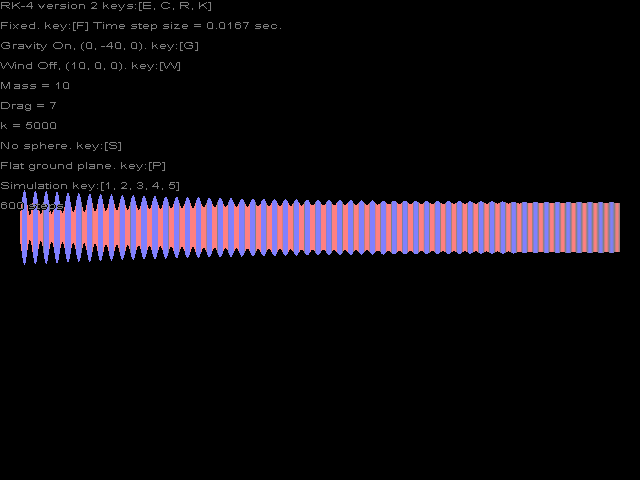
This image is from the numerical integration visualization that I added to my project. It shows a single vertical spring that starts with a small amount of compression. As you follow the image from left to right, the spring goes through 600 time steps. Throughout the simulations, springs change from red to blue depending on how much they are compressed or stretched. |
|
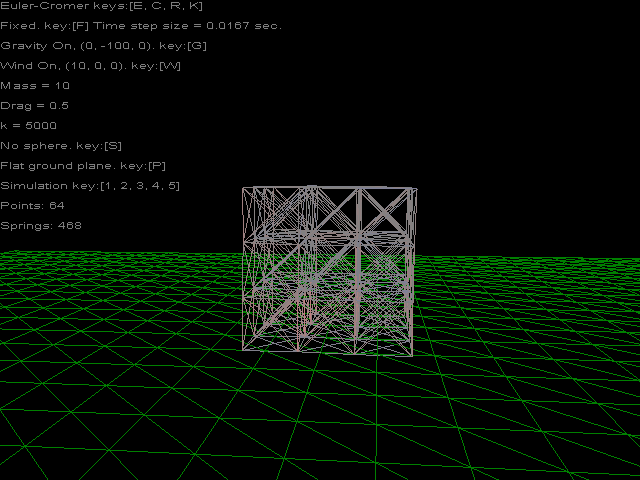
This image is of a small box constructed from a 3x3x3 grid of point masses. The block reacts to both wind and gravity. If the ground plane is turned to be at an angle, it will tumble down the hill. There is also a 3x3x8 block that acts more like a tower that slowly wobbles and then tips over from the default wind. |
|
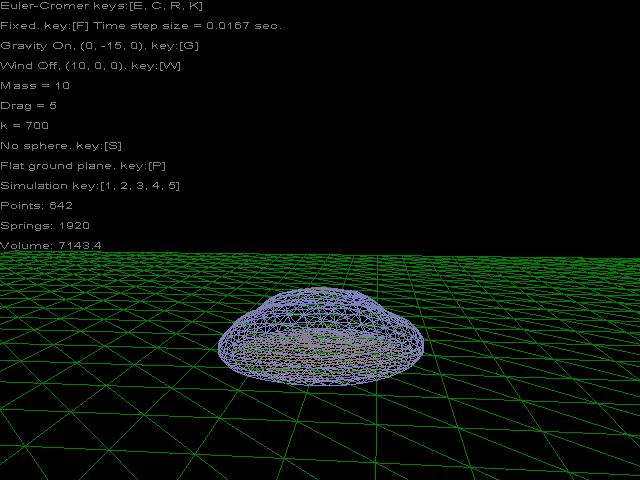
This image is of an object that I simply called a bubble. It starts out as a geodesic sphere that is based on subdividing an icosahedron. This object was an experiment to find out how close to an inflated ball I could simulate without using any internal springs to maintain the shape. Instead I calculate the volume of the object and convert that into a pressure that acts normal to each face that makes up the bubble. It turned out to act more like a soft blob. If the ground plane is tipped, it rolls down the hill as expected. |
|
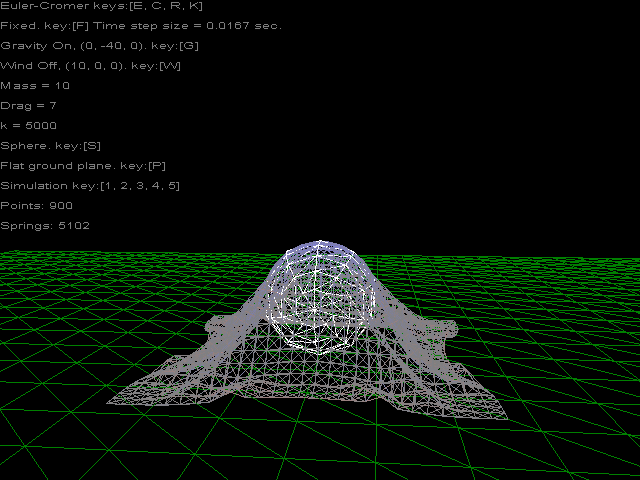
This is an image from the cloth simulation that I added to the project. The sphere in the scene can be toggle in or out of the scene. The cloth seems to drape in a realistic manner over the sphere. |
Balls2DCopyright 2007 (C) Simon Gayton |
|

|
This applet is a simple simulation of 2D balls with gravity. View source: Ball2D.java Balls2D.java Edge2D.java Vector2D.java |
FractalCopyright 2006 (C) Simon Gayton |
|

|
This applet displays a fractal image of which the view can zoom in repeatedly. The only limitation is from the use of floating point numbers. View source: Fractal.java |
Line DrawingCopyright 2005 (C) Simon Gayton |
|
|
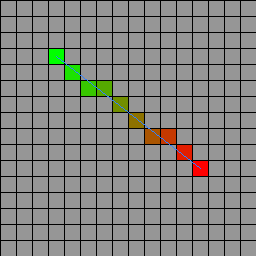
This applet was created to test my implementation of the Bresenham line drawing algorithm. View source: LineDraw.java |